


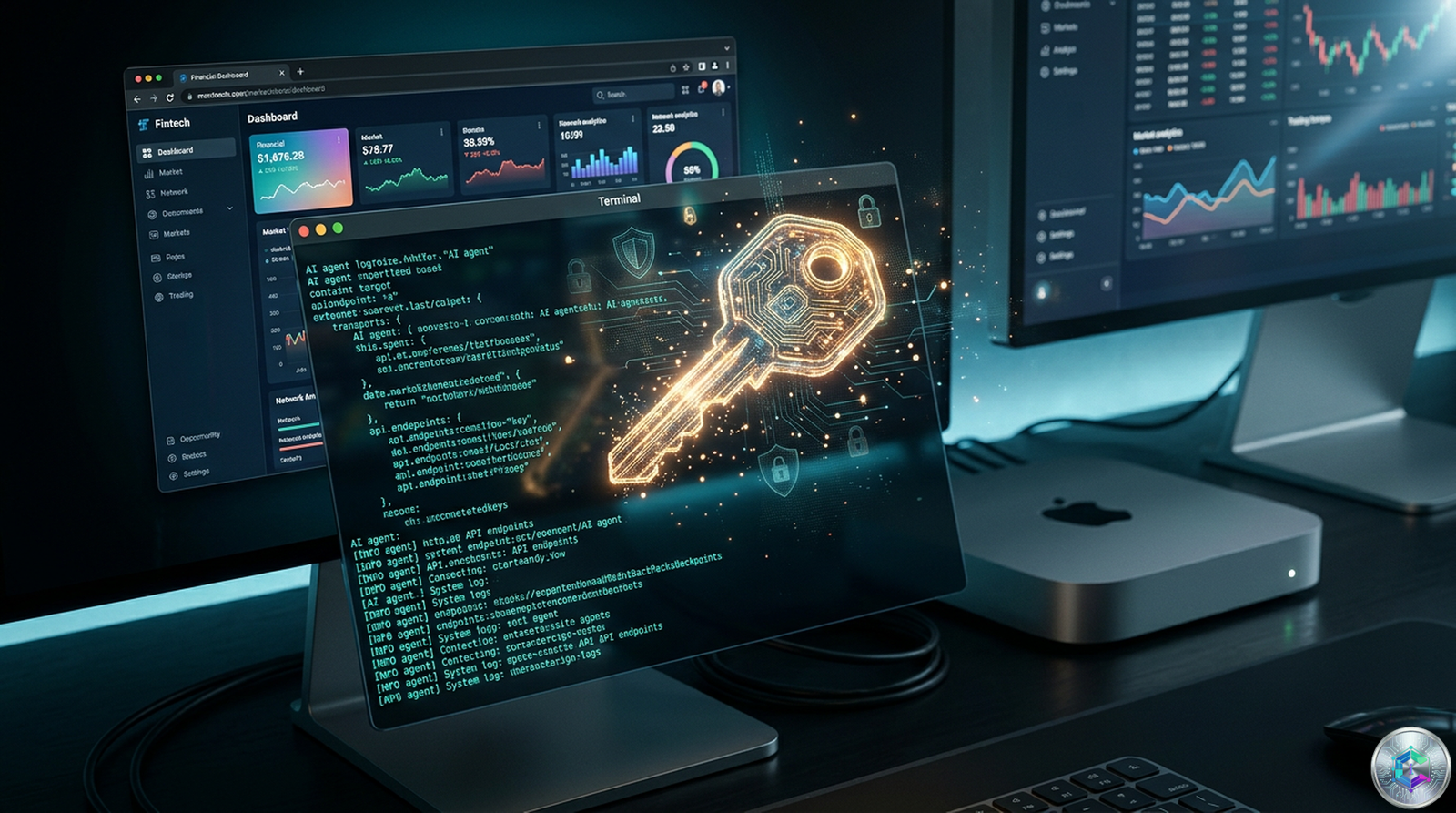
According to The Register, an AI coding agent, a browser and a macOS tool reportedly located a financial firm’s access key in under six minutes, with no sophisticated malware or attack infrastructure required. The episode points to a practical risk: agents that can browse, keep sessions open and reach internal tools shorten the path between a misconfiguration and a compromise.
🔑 Key takeaways
- An AI agent, a browser and a macOS tool reportedly identified an access key in under six minutes, according to The Register.
- The firm’s name, the nature of the key and whether an intrusion occurred are not disclosed in the available sources.
- Browser agents retain cookies and sessions, making isolation an architectural issue, not a detail.
- Gartner recommends blocking OpenClaw; Cisco reportedly found a third-party skill quietly collecting data.
What the incident says, and what it does not
The Register published an exclusive article on November 24, 2026. Its headline and subheadline describe a very fast discovery, and state that “no sophisticated malware or attack infrastructure” was needed. These claims are the core of what is currently known.
The excerpt, however, is silent on several decisive points:
- the name of the company and the exact nature of the access key;
- its location, its validity and whether the agent used it;
- whether an intrusion occurred, whether data was viewed, and whether the company was notified;
- any public reaction, sanction or remediation statement.
The other documents provided describe the capabilities of different agents and tools, without identifying those used in this discovery. Attributing the incident to OpenClaw, Cloudflare Browser Run, Playwright MCP or Browser Use would therefore be speculative. The real lesson lies elsewhere: an agent equipped with a browser and tool access moves through an environment faster than human controls can follow.
Browsers that remember their sessions
Cloudflare’s documentation describes Browser Run as a remote browser that can stay open across multiple agent calls. While active, it retains tabs, cookies and login sessions. Agents can interact with websites, inspect JavaScript-rendered pages and take screenshots, notably through browserTool adapters that drive the Chrome DevTools Protocol.
The browser runs outside the agent’s durable object, which keeps the session identifier and can reconnect after hibernation. By default, an idle browser stays alive for up to ten minutes, while each call expires after sixty seconds. An expiration, crash or restart erases tabs, cookies and identities, and the previous state is not restored. An interrupted call is not replayed automatically, which prevents a form from being submitted twice or a button from being clicked twice.
Tool calls run sequentially in the conversation tab, each in a separate dynamic Worker without direct network access. Browsers can reach “internal hostnames” reserved for content served by the agent, such as a development server. These requests never leave Cloudflare. The service caps this at eight internal hostnames, requires non-public suffixes such as .internal, .test, .example or .invalid, and needs version 0.31.0 or later of the Agents SDK. Human inspection or takeover mode, session recording and hostname guardrails complete the setup.
Three approaches, three exposure profiles
The sources describe three distinct uses whose risk profiles differ significantly. The table below summarises them.
| Tool | Main use | Key watch point |
|---|---|---|
| Cloudflare Browser Run | Persistent remote browser for agents | Cookies and sessions kept while the browser is active |
| Playwright MCP | Visual review of a local application | The agent drives the browser directly |
| Browser Use | Data extraction and automation | No link to the incident in the sources |
| OpenClaw | Personal agent running on local hardware | Broad permissions and exposing misconfigurations |
Playwright MCP and in-browser review
A freeCodeCamp guide describes an MCP-compatible client that lets an agent open a local application, read the page, locate controls, click, type text and capture screenshots. The article distinguishes this approach from end-to-end tests: a suite checks scenarios already written, while an in-browser review looks for the side effects of a change.
The agent must read the diff, draft a test plan, verify the final result rather than the mere absence of errors, check console and network errors, then rerun the path after a fix. A separate reviewer agent can catch mistakes missed by the author agent. The method was formalised in the open-source tool katalepsis, which determines whether a check has truly passed. The examples require Node.js 20 or later for Playwright MCP and Node.js 22.12 or later for katalepsis.
Browser Use and data extraction
The MCP Market listing for Browser Use AI Automation describes a skill oriented toward automation and extraction. It pairs the open-source Browser Use framework with agents built on Claude, GPT-4 or local models such as Ollama. The catalogue cites structured extraction through Pydantic schemas, multi-step navigation, form interaction and a self-hosted architecture presented as private.
Cited use cases range from scraping resilient to interface changes to monitoring competitors’ prices or stock levels. At capture, the listing showed zero GitHub stars, and nothing ties it to The Register’s incident.
OpenClaw, the agent that acts on local hardware
Smith & Stephen presents OpenClaw as an agent that runs on the user’s own hardware and can act beyond a conversational reply. It connects to a large language model (Claude, GPT or Gemini) and can receive access to messaging, email, calendar, files and the browser. The article reports that OpenClaw has passed 150,000 GitHub stars. It also describes the Mac Mini M4 as a popular host for always-on agents, with some configurations out of stock for two to three weeks.
This account does not establish that OpenClaw was used to find the access key mentioned by The Register.
Containment, incidents and security reactions
To limit risk, the Smith & Stephen article describes a containment model akin to onboarding an employee: a separate machine, new accounts, no shared passwords, a read-only dedicated mailbox, a separate subscription, a reserved command channel, and refusal of instructions received by email. This separation addresses prompt injection, where instructions hidden in an email or document are interpreted as orders.
The reported incidents are instructive: stolen credentials following misconfigurations, an API bill that spiralled after 400 hourly checks, and more than 500 messages sent to random contacts. The agent also flagged duplicate CRM entries and overly polished drafts.
On the industry side, Gartner called OpenClaw an “unacceptable cybersecurity risk” and recommends that companies block it immediately. Cisco’s threat research team reportedly found a third-party OpenClaw skill quietly collecting data. Researchers reportedly identified more than 340 malicious skills, although the source excerpt breaks off at that point.
“Should your firm be using this? No.”
Author, Smith & Stephen
These reactions are the only ones explicitly documented. No market reaction, price move, provision or sanction concerning the financial firm appears in the sources provided.
Conclusion: more autonomous agents, guardrails still to be designed
The episode is a reminder that the threat does not necessarily require sophisticated malware. A well-configured agent with a persistent browser and tool access can find what an attacker is looking for, provided no one has locked down credentials or isolated the environment.
Three scenarios emerge. In the first, vendors strengthen guardrails (timeouts, logging, human oversight, restricted hostnames) and adoption stays gradual. In the second, companies block personal agents such as OpenClaw without offering alternatives, pushing usage into the shadows. In the third, a documented incident with quantified consequences accelerates sector-specific regulation. Without further data, none of these scenarios can be favoured on the basis of the available sources.
Sources
- The Register, November 24, 2026
- Smith & Stephen, OpenClaw
- Cloudflare Browser Run documentation
- freeCodeCamp, in-browser agent review guide
- MCP Market, Browser Use AI Automation
Cet article est publié à titre informatif et éducatif. Il ne constitue en aucun cas un conseil en investissement. Faites vos propres recherches (DYOR) avant toute décision.

